Everything you need to show, sell and sign off a home before breaking ground.
Built from your construction drawings, checked with you, and shared as a link. Three parts: you, your clients or your buyers explore the house, choose finishes and options, and approve.
Explore
Step inside a house that is not built yet: at true size, on whatever device you have.
view_in_arWalkthrough
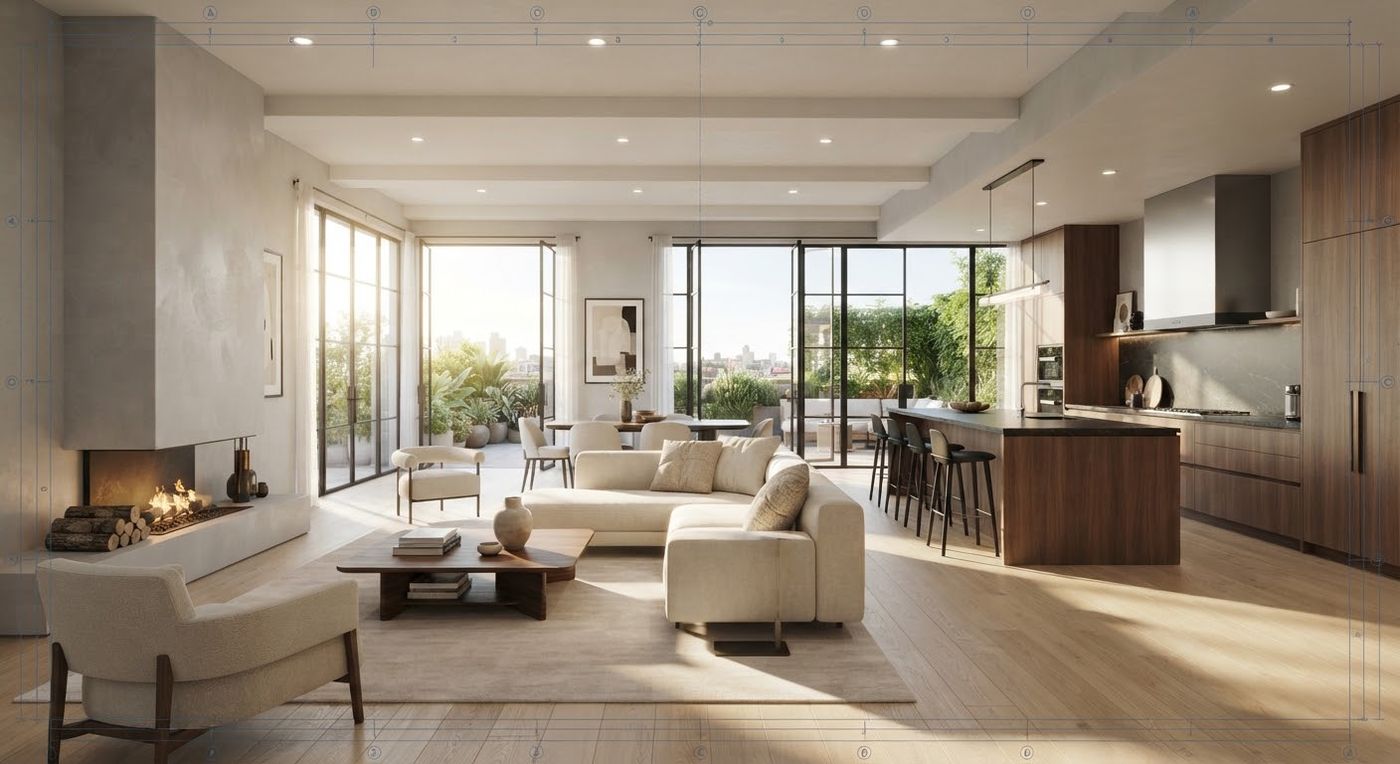
Walk the house in any browser
No software to install and no app to download. Open a link; walk with the keyboard or by touch, and jump from room to room.
- check_circleTop view of each level, with the ceilings and roof lifted off
- check_circleA tape measure between any two points, in feet and inches
- check_circleEmpty the rooms to see the space without furniture
 IllustrationstraightenMeasure
WalkTop viewEmpty
IllustrationstraightenMeasure
WalkTop viewEmpty
 AR and VR
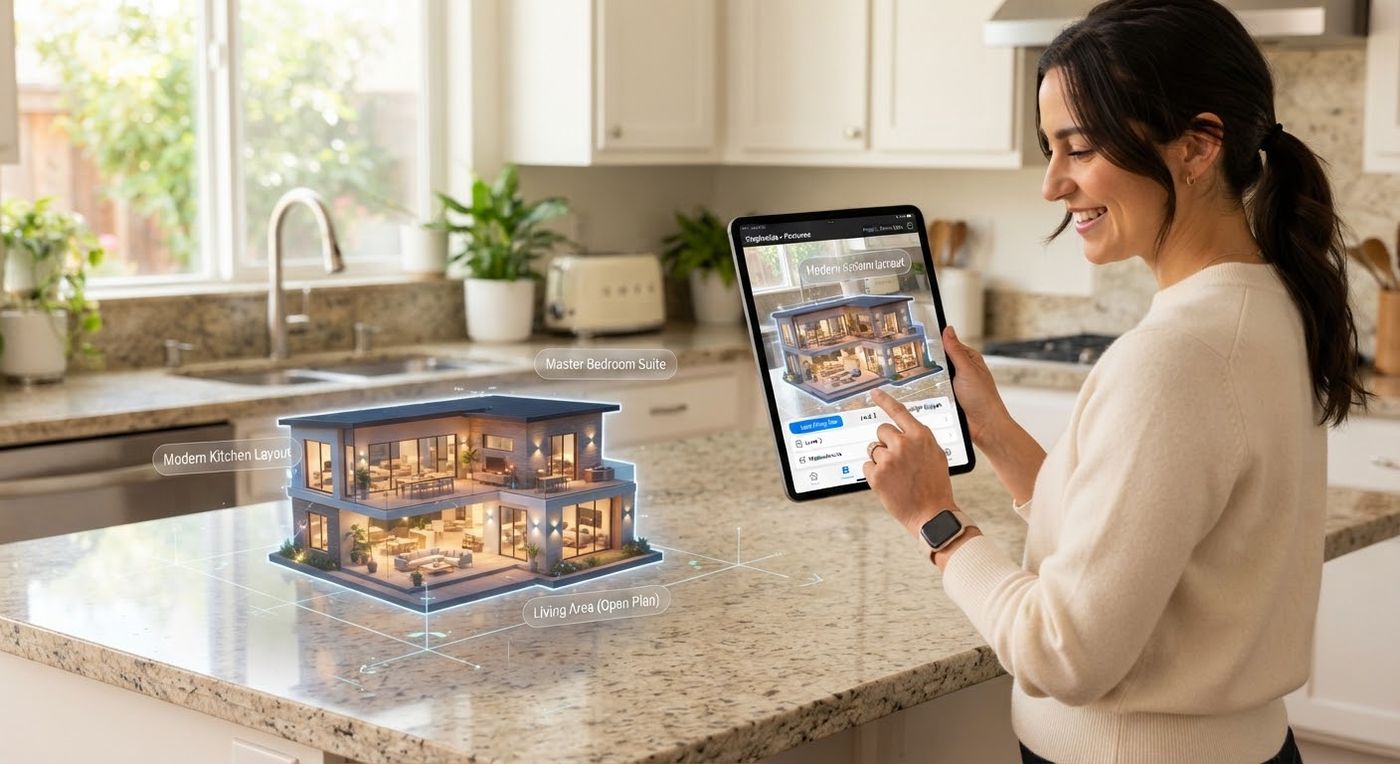
Tabletop AR on iPhone and Android, VR in a headset
Set the house on the kitchen table as a dollhouse, or put on a VR headset and walk through it from the headset's browser.
- checkNo app to install for AR
- checkVR walks and turns with the controllers
 Sunlight
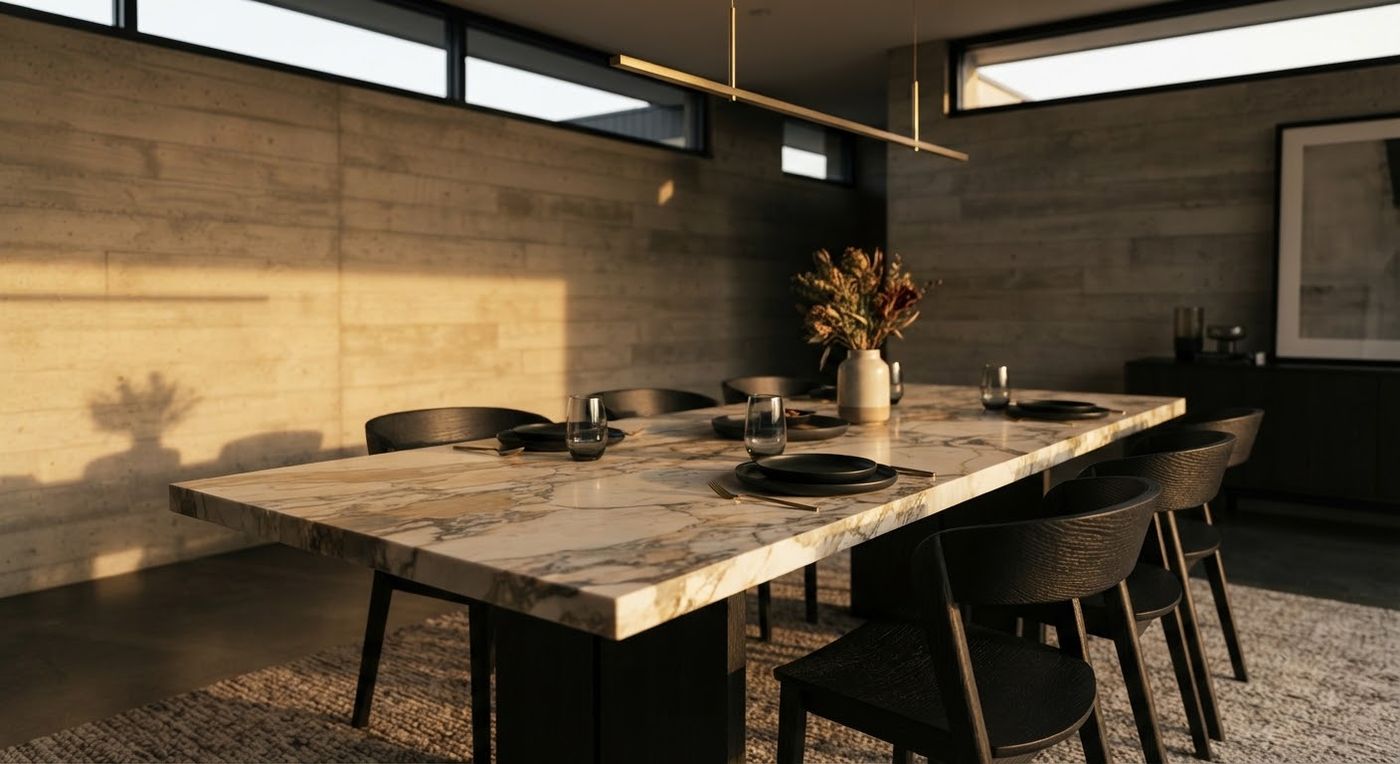
Real sunlight, morning to evening
See where the sun falls in each room at any time of day and any time of year, and refine a view into a realistic picture.
- checkPhoto-quality pictures of the rooms
- checkA fly-through film of the whole house
Customize
Try finishes and options live, with their prices in front of you.
paymentsPriced options
Finish packages and layout options, with a running total
Floors, paint, counters and tile change in the walkthrough as they are picked. Layout options, such as a bigger garage or a bonus room, appear in the house too.
- check_circleOptions in groups, one choice in each, "Standard" being the house as designed
- check_circlePrices as a fixed amount or by the square foot
- check_circleThe total updates as they choose, and goes with their sign-off
Finishes
Flooring
Standard
Included
Warm oak
Your price
Dark walnut
Per sq ft
Questions answered straight away
Ask about the home in plain words, such as how big a room is or what a package changes, and get an answer on the spot.
Example
What does the warm oak package change?
It changes the floors in the living room, kitchen and hall. You can see it in the walkthrough, with its price under Finishes.
Pictures, a film and a brochure
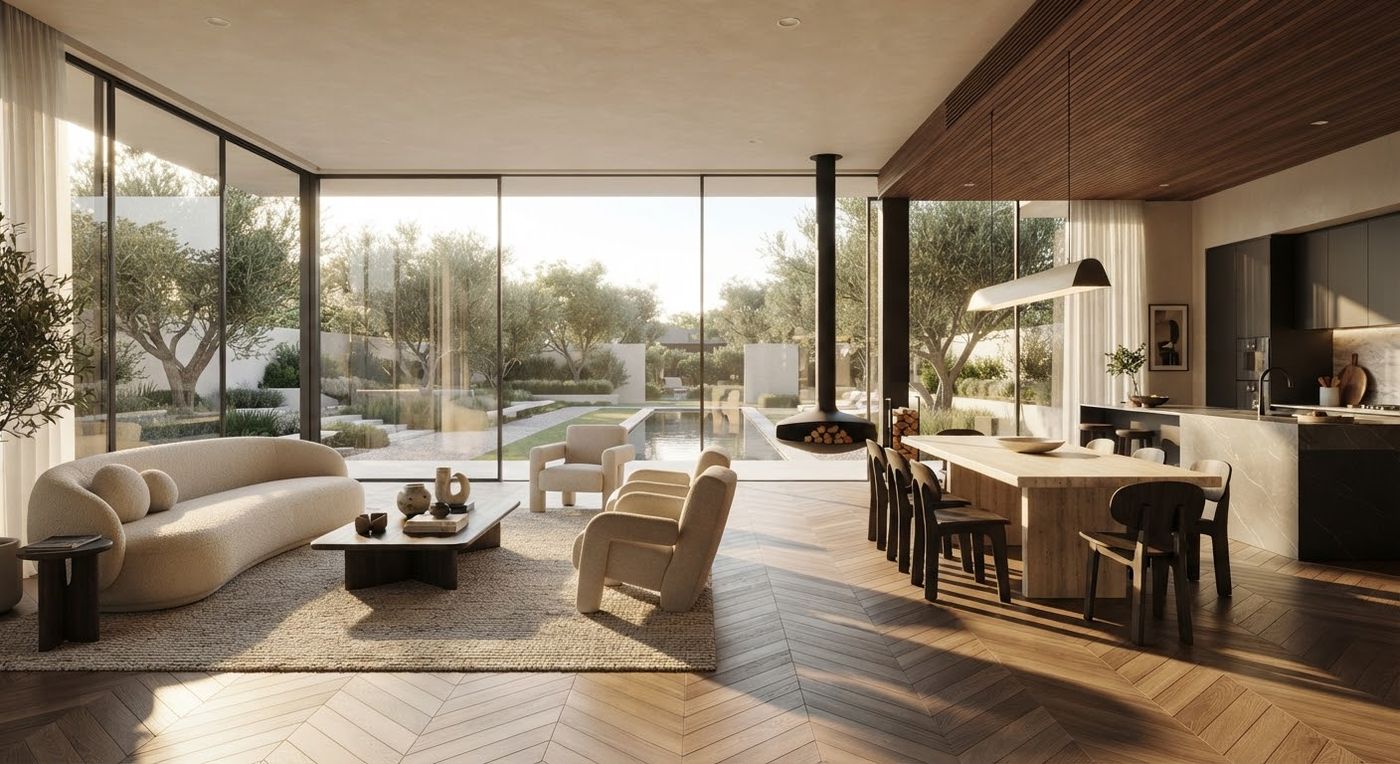
Photo-quality pictures of each room and a fly-through film come from the same checked model, and a branded brochure lists the rooms and the options with their prices.
Approve
A house that matches the drawings, comments where they belong, and an approval in writing.
warningChecked model
Drawing conflicts settled before the build
When the plan set disagrees with itself, we do not guess. Each conflict is listed and put to you, and the checked model is built only once they are settled.
- check_circleSizes, heights and openings compared across the sheets
- check_circleAnything the drawings leave out is listed as a question, not filled in silently
Room size differs between two sheets. Which one is right?
A window shows on the elevation but not the floor plan. Keep it?
Ceiling height settled with you.
Pinned comments
Pin a comment to any wall, window or spot in the house, so a change request says exactly where.
Your branding
For builders and designers: the client's or buyer's page carries your logo, name, colours and website.
Signed sign-off
Approve or Request changes, with a note. Each is kept as a signed PDF record with the name of who signed, their choices, the total and the design they saw.
Try it with your own plans.
Send one plan set and walk through a first look in about 30 minutes.