From a plan set to a house you can walk through.
We read your drawings into a 3D house, show you a first look straight away, settle with you wherever the drawings disagree, and then build the checked model that you, your clients or your buyers walk through and sign off.
First look
About 30 minutes
Rough and unchecked
Checked model
After the conflicts
Settled with you
For everyone
Nothing to install
A link in the browser
Devices
Phone, AR, VR
And any computer
boltIn short
Three steps
Send your drawings
The PDF plan set you already have, and a designer's spec deck if there is one.
upload_filePDF plans, spec deck
We read and check
A first look comes back in about 30 minutes. We list where the drawings disagree and settle each point with you.
fact_checkConflicts settled with you
Walk, price and sign off
Each person opens their own page, walks each room, tries options with prices, and approves or asks for changes.
drawSigned sign-off record
Step by step
The six stages
What happens to a house, from the drawings to the sign-off.
-
01
Send your documents
Floor plans, elevations, sections, roof and site plans: the sheets you already have. A designer's spec deck adds finishes and furnishings.
folder_openWhat to send
- Plan setPDF
- Designer's spec deckIf you have one
-
02
A first look in about 30 minutes
A rough walkthrough of the house as the drawings read, before anything is checked. It is marked as not checked, and it lets you see the proportions, ceiling heights and windows early.
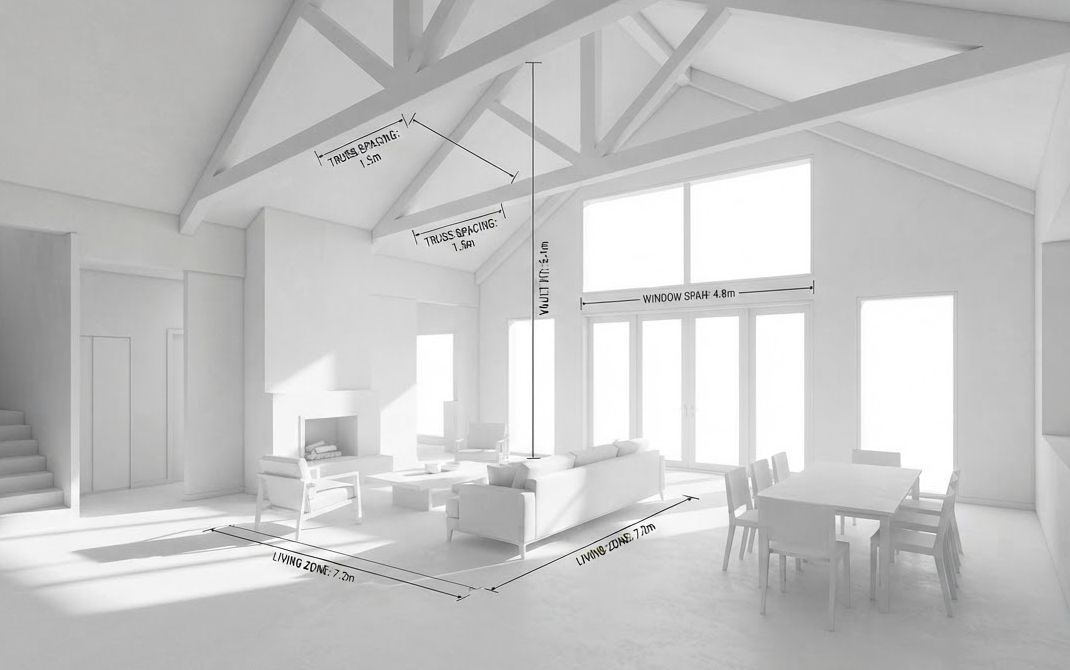 Illustration · first look
-
03
Checkpoint: conflicts settled
Wherever the sheets disagree or leave something out, it is listed for you: a size that differs, a window missing from one view, a height not given. You settle each one; then the checked model is built.
warningTo settleExample
- Stair width differs between two sheets
- Ceiling height not given for the bonus room
-
04
Finishes, contents and options
Each room's walls, ceiling and floor finish and what stands in it come from your documents first; you are asked only for the rest. Then your finish packages and layout options are added with their prices.
Oak floor
Stone counter
Painted cabinets
Brass fittings
-
05
Walkthrough, pictures and AR
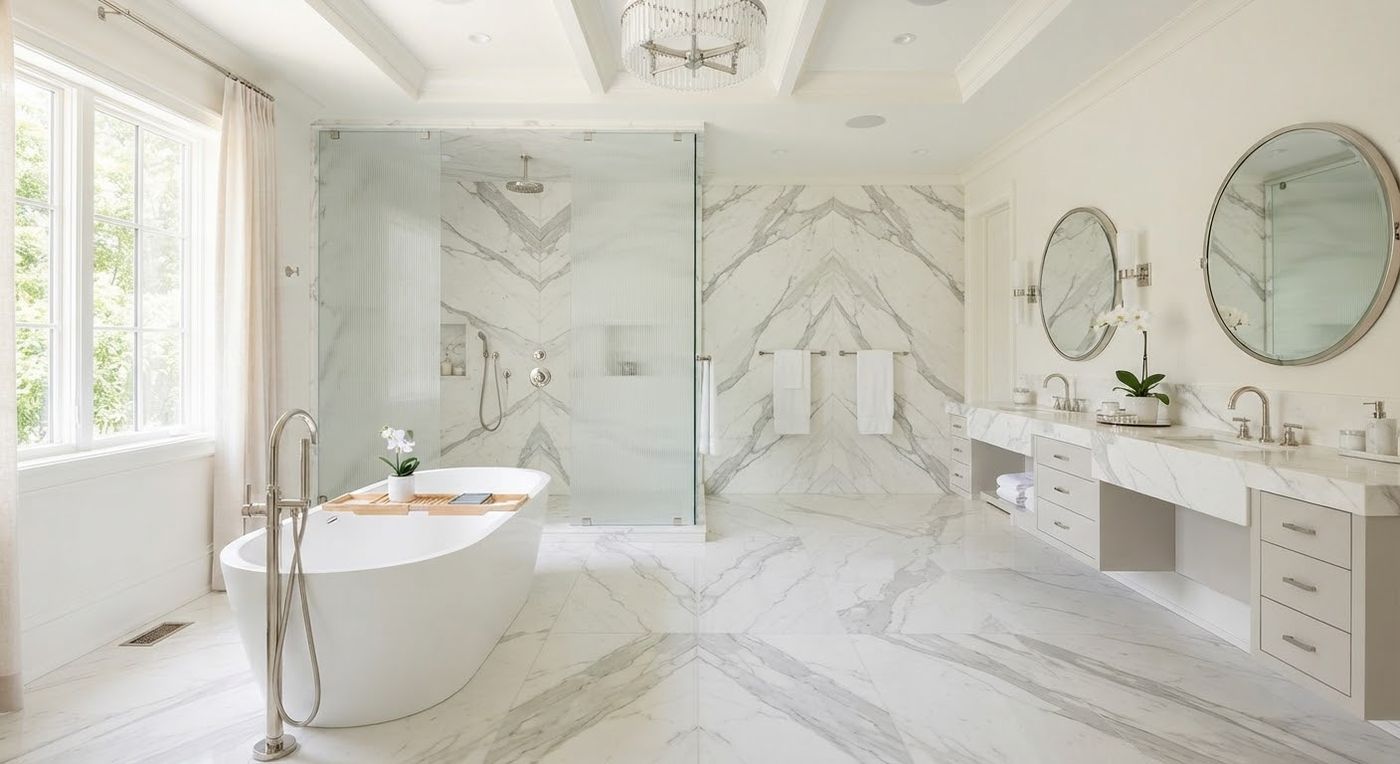
The checked house goes on its own page: the walkthrough, photo-quality pictures of the rooms, a fly-through film, and the tabletop AR dollhouse.
Room picturesFly-through filmTabletop AR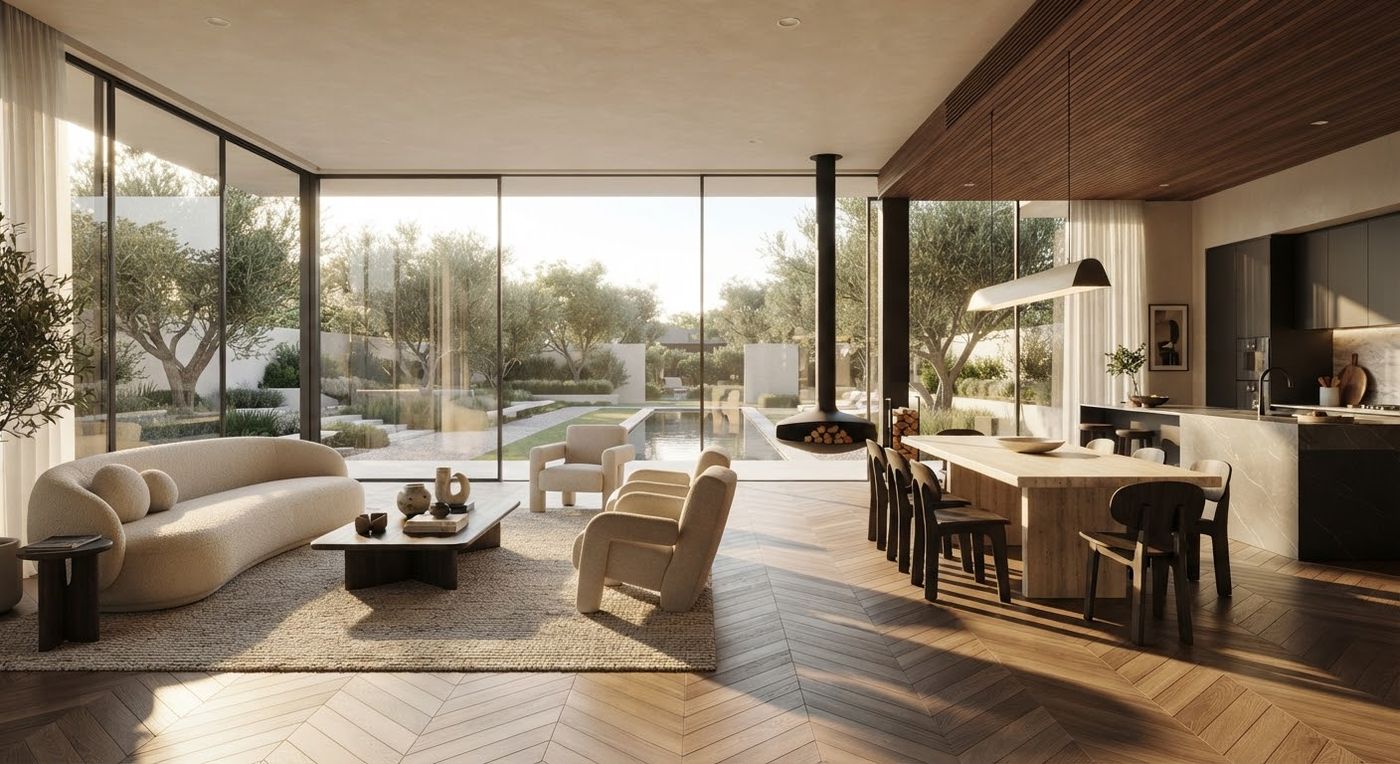
-
06
Share and sign off
Your buyers, clients or family sign in to their own page (with a builder's or designer's branding), walk through, pin comments, ask the AI helper, choose options, and press Approve or Request changes. Each sign-off is kept as a signed PDF record.
Sign-off · Example
Options chosen
With the total at the time
ApproveRequest changes
Questions
Frequently asked questions
What do you need from me?expand_more
The plan set as PDF: floor plans, elevations, sections, and the roof and site plans if you have them. No 3D model is needed. A designer's spec deck helps with finishes.
What is checked?expand_more
The house is checked against your drawings: where they disagree with each other or leave something out, it is listed and you decide. It is not an engineering or building-code review.
Does anyone need an app?expand_more
No. The walkthrough runs in the browser on a computer, tablet or phone. AR uses the phone's own viewer.
Can I use a VR headset?expand_more
Yes, from a headset whose browser supports VR. The VR button shows only where it can be used.
What does it cost?expand_more
Prices are not published yet. Get in touch and we will quote.
Ready to see your first plan set?
Send it over; a first look comes back in about 30 minutes.